
Figma vs WordPress Web Design: From Blueprint to Build, Which is Best?
Considering Figma vs WordPress for web design? This guide breaks down the choice. Learn when to use Figma for collaborative design and high-fidelity prototyping, and when WordPress’s powerful content management framework is the ideal solution for building your site and achieving your project goals.
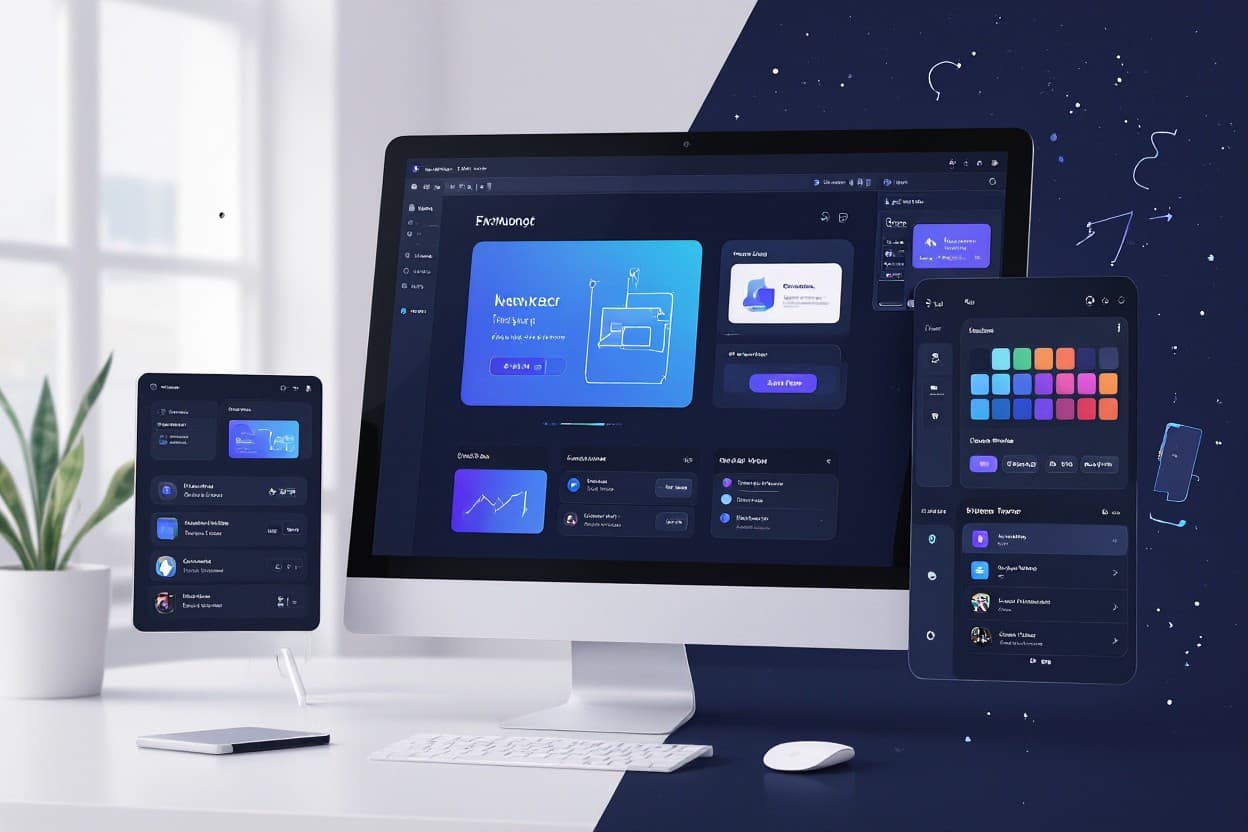
Design plays a vital role in creating engaging and user-friendly websites, and with figma web design, you can streamline this process efficiently. You’ll find that Figma offers collaborative tools, real-time editing, and versatile design capabilities that empower you to bring your web projects to life with precision. Whether you’re a beginner or a seasoned designer, understanding how to leverage Figma will enhance your workflow and improve the quality of your digital creations.
Key Takeaways:
- Figma is a collaborative web design tool that allows designers to create, prototype, and share UI/UX designs in real-time.
- It operates entirely in the browser, enabling cross-platform accessibility without the need for software installation.
- Figma’s vector-based design system supports scalable and precise design elements suitable for responsive web layouts.
- Integration with developer handoff tools simplifies the transition from design to code, enhancing workflow efficiency.
- Its cloud-based nature supports easy version control and team collaboration, making it ideal for both individual designers and large teams.
Figma’s Revolutionary Design Collaboration
Figma transforms how design teams work by enabling seamless collaboration directly within the app. Unlike traditional tools that require constant version control and file sharing, Figma’s cloud-based architecture allows multiple users to edit, comment, and prototype simultaneously — all in real time. This dynamic setup removes bottlenecks, enabling you to witness changes live and contribute alongside teammates without waiting for updates or file exports. As a result, projects maintain momentum and stay aligned across disciplines, eliminating the common friction inherent in handoffs between designers, developers, and stakeholders.
By integrating design, feedback, and prototyping into one platform, Figma breaks down barriers between roles, letting everyone engage with the process intuitively. Whether you’re adjusting a layout or defining interaction flows, your input is captured directly within the shared project environment. This collaborative foundation not only accelerates workflows but also fosters a stronger sense of ownership and shared vision—as teams can iterate rapidly and transparently without losing context or detail.
Real-Time Teamwork: The Future of Design
You experience a new level of immediacy when collaborating with Figma’s real-time editing capabilities. Multiple designers can work on a single file simultaneously, seeing each other’s cursors and edits live. This eliminates the need to merge separate files or deal with outdated versions, which frequently complicate projects using traditional design software. The ability to brainstorm, build, and refine collectively can cut design cycles by up to 30%, according to recent case studies from agencies that transitioned from static tools to Figma.
Additionally, Figma’s multiplayer environment encourages spontaneous interactions reminiscent of in-person teamwork. Whether you’re co-designing responsive components or iterating on complex prototype flows, offering and receiving input happens immediately. This synchronous collaboration reduces miscommunication and empowers rapid problem-solving, helping your team adapt fluidly to changes and feedback, which benefits overall project agility and final quality.
Streamlined Feedback Loops: Engaging Stakeholders Effectively
Figma makes stakeholder engagement more efficient through its comment and version history features integrated within the design files. Instead of relying on lengthy email threads or disconnected feedback tools, all input is centralized and contextualized next to the exact design elements. This clarity ensures you can track decisions and revisions with precision, preventing misinterpretations that often delay delivery. Stakeholders can highlight issues or suggest improvements directly on the canvas, streamlining communication and accelerating approvals.
The platform also supports setting permissions to control what different participants can view or modify, offering flexibility for sensitive projects. You can invite clients or executives to review prototypes without the risk of accidental edits, keeping collaboration safe but interactive. These organized feedback loops create a transparent dialogue where everyone stays informed and accountable, reducing friction and aligning expectations as iterations progress.
More advanced integrations, such as linking Figma comments to project management tools like Jira or Trello, further optimize feedback cycles by connecting design updates to broader workflows. This automation allows your team to assign action items immediately and monitor progress beyond the design phase, enhancing cross-functional collaboration and ensuring that insights translate directly into implementation. Overall, Figma’s feedback system not only improves communication but embeds design deeply into your project’s lifecycle.
The Power of Prototyping and Interactive Design
Figma’s prototyping capabilities allow you to bridge the gap between static design and a fully interactive user experience, a feature that WordPress cannot offer natively. Through Figma, you create seamless navigation flows, animated transitions, and micro-interactions, which helps you visualize how users will actually interact with your product before any code is written. This approach not only streamlines communication within your team but also empowers stakeholders to engage with an accurate, clickable model that reflects the final design’s intent and functionality.
While WordPress excels at building and managing content-driven websites quickly, it relies heavily on plugins for prototyping features, often resulting in inconsistent or limited interactivity during early stages. Figma’s cloud-based platform lets you iterate on design and interactions in real-time with your collaborators, accelerating approval cycles and reducing the risk of costly rewrites after development begins. By harnessing these prototyping tools, you save time and resources, as well as provide a richer understanding of user journeys at an early phase.
Transforming Ideas into Experiences
With Figma, transforming abstract ideas into tangible experiences becomes straightforward, thanks to its intuitive drag-and-drop interface and powerful vector editing tools. When you start designing, you’re not just arranging elements—you craft immersive user flows and scenarios that resonate with your audience. This hands-on perspective reveals potential friction points, such as confusing navigation or unclear calls to action, allowing you to refine these details before committing to a build in WordPress or any other CMS.
By contrast, WordPress is primarily geared toward content management and deployment rather than experience design. While themes and page builders make visual customization easier, they typically lack the depth required to explore complex user interactions in the design phase. Using Figma as your experience sandbox enables you to experiment with different UI patterns and animations, meaning when you move to development or site deployment in WordPress, your vision is far clearer and more actionable.
User Testing Made Simple: Gathering Insights Instantly
Figma empowers you to share interactive prototypes directly with users and stakeholders through simple links, eliminating barriers like downloads or special software. This immediacy means you can collect qualitative feedback early in the process, observing how real users navigate the interface and which elements confuse or delight them. Integrations with tools like UserTesting, Lookback, and Maze further enhance this by allowing you to track click data, heatmaps, and user sessions within the prototyping environment.
This rapid feedback loop is a stark contrast to traditional WordPress workflows, where you often need to launch a site or staging environment to test user interactions, making early-stage validation slower and more cumbersome. By testing in Figma, you save on expensive development hours and uncover UX problems that, if left unaddressed in WordPress, might require extensive redesign or plugin adjustments.
Diving deeper into this process, you can harness Figma’s comment and annotation features to document issues and prioritize fixes collaboratively. This speeds up iteration cycles and keeps your entire team aligned on user needs and design goals. The ability to iterate directly on prototypes also means that you can respond to feedback in days rather than weeks, preserving project momentum and enhancing the final product’s quality before it ever hits a WordPress build.
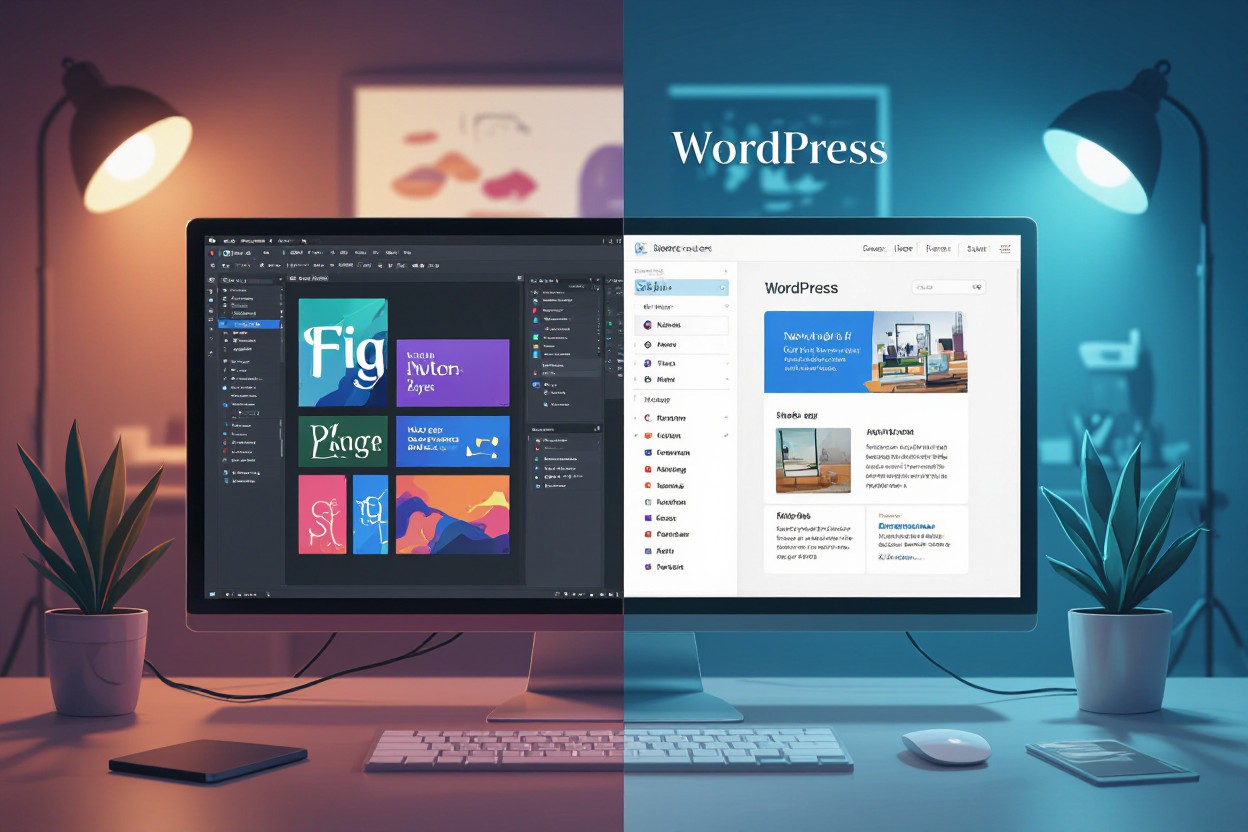
Comparing Figma and WordPress: A Design Perspective
| Figma | WordPress |
| Offers advanced vector editing and UI/UX prototyping capabilities, making it ideal for intricate, pixel-perfect designs. | Focuses on managing dynamic content with thousands of customizable themes and plugins to extend functionality. |
| Enables real-time collaboration among designers, allowing simultaneous edits and seamless feedback integration. | Provides a content management system that simplifies publishing, organizing, and scheduling content updates. |
| Requires export and manual development to turn designs into functioning websites. | Combines design with backend infrastructure, offering built-in SEO tools, security features, and user management. |
| Primarily design-oriented, lacking native support for website hosting or server-side processing. | Handles hosting, plugins, and themes, letting you build fully operational websites with minimal coding. |
Design Flexibility vs. Content Management
You gain immense freedom designing in Figma since it operates as a vector-based tool focused on precision and customizability. Whether crafting unique icons, interactive prototypes, or responsive layouts, you can manipulate every visual element without the constraints imposed by a CMS. This level of flexibility allows you to experiment freely, iterate rapidly, and polish user interfaces ahead of development. However, translating your designs into a live website necessitates handoff or export workflows, which can introduce additional steps before your vision is fully realized online.
Conversely, WordPress excels in efficiently managing and publishing content through an intuitive dashboard and a robust plugin ecosystem. You can design your site using themes and page builders, but there’s often a trade-off between customization and usability. While some tools like Elementor and Divi enhance design control, they rarely match the pixel-perfect detail achievable in Figma. WordPress’s strength lies in its ability to quickly update content and handle user interactions, but the design must align with its framework’s capabilities and limitations.
When to Choose Figma’s Tools Over WordPress’s Framework
Opt for Figma when your priority lies in crafting high-fidelity designs that demand precise control over every interface element. If you aim to prototype user experiences, test multiple iterations, or collaborate closely with a design team in real time, Figma’s cloud-based environment will streamline these processes. Projects that require bespoke branding or complex visual storytelling benefit from Figma’s vector and component systems, helping you deliver polished mockups ahead of development.
Situations arise where WordPress’s framework might constrain visual creativity due to theme restrictions or plugin dependencies. In those cases, investing time in Figma ensures the final implementation starts with a well-defined, pixel-level blueprint. This approach reduces ambiguity during handoff to front-end developers or agencies tasked with coding, improving alignment between design intent and functional delivery. Figma also supports exporting assets in various formats suitable for web developers, improving workflow efficiency.
Selecting Figma’s design environment is especially advantageous when working on projects that demand custom animations, responsive prototypes, or detailed user interaction flows that WordPress cannot natively accommodate. By focusing on design first in Figma, you lay a strong foundation that informs development decisions, enabling you or your team to build more unique, user-centric digital experiences without being confined by CMS templates or pre-built modules.
The Economics of Design: Cost Considerations
Balancing design quality and budget often presents a challenge, especially when choosing tools that shape your workflow and final product. Figma offers a collaborative, cloud-based platform with a subscription pricing model, which includes regular updates and a suite of integrated features to streamline design processes. On the other hand, WordPress operates primarily as a content management system with numerous free and premium themes and plugins available, often leading to variable costs depending on your customization needs and hosting services. Understanding the financial impact of these differing approaches can help you allocate resources more effectively while maintaining design excellence.
Design expenses extend beyond initial setup, covering ongoing updates, scalability, and user experience enhancements. While WordPress lets you manage content dynamically and can reduce front-end design costs with pre-built templates, Figma emphasizes design precision and prototyping, potentially reducing development iteration costs. Depending on your project scope, investing in Figma might lower downstream expenses by catching usability issues early, whereas WordPress might require additional developer time to implement the custom interactive features that Figma prototypes efficiently represent.
Subscription Models vs. One-Time Payments
Figma’s subscription plan offers tiered pricing, starting with free access for individuals but scaling to paid tiers for teams and enterprise users. This model ensures continuous feature upgrades, better collaboration tools, and priority support—all factors that maintain workflow efficiency and reduce downtime. In contrast, WordPress themes and plugins often involve one-time purchases or annual renewals, which can seem cost-effective upfront but potentially incur hidden costs through necessary compatibility updates, security patches, or premium add-ons to extend functionality.
Choosing between ongoing subscription fees and singular payments hinges on your project’s anticipated longevity and complexity. If your design needs evolve rapidly and require frequent updates, subscription services like Figma provide adaptability without additional procurement phases. Conversely, if your project fits within a static build or you have strong in-house development skills, investing once in reliable WordPress themes and plugins may offer greater control over long-term expenditures.
Evaluating ROI on Design Investments
Return on investment in design tools hinges not just on upfront costs but on how effectively these tools improve your product’s usability and speed to market. Figma’s ability to create interactive prototypes and facilitate immediate feedback loops can significantly reduce development cycles, cutting costs associated with rework and iterations. WordPress’s flexibility enables quick deployment of content-rich sites, which can accelerate customer acquisition, but may require additional investments in custom development to match the refined user experiences crafted through tools like Figma.
Analyzing ROI should consider metrics such as reduced time-to-launch, lower bug rates, and increased user engagement driven by superior design iterations. Figma can deliver measurable time savings by consolidating design and collaboration in one environment, while WordPress’s extensive ecosystem helps minimize coding from scratch but sometimes demands ongoing maintenance costs. Your evaluation should weigh these trade-offs against your team’s expertise and project goals to gauge which approach maximizes value.
Diving deeper into ROI calculations, tracking post-launch performance indicators like bounce rates, conversion rates, and user retention can provide feedback loops validating your design investment. Integrating Figma’s analytics-compatible prototyping with WordPress’s real-time content management offers an advanced strategy to continuously optimize user experience without excessive redesign costs, ultimately proving the economic advantage of combining these platforms thoughtfully.
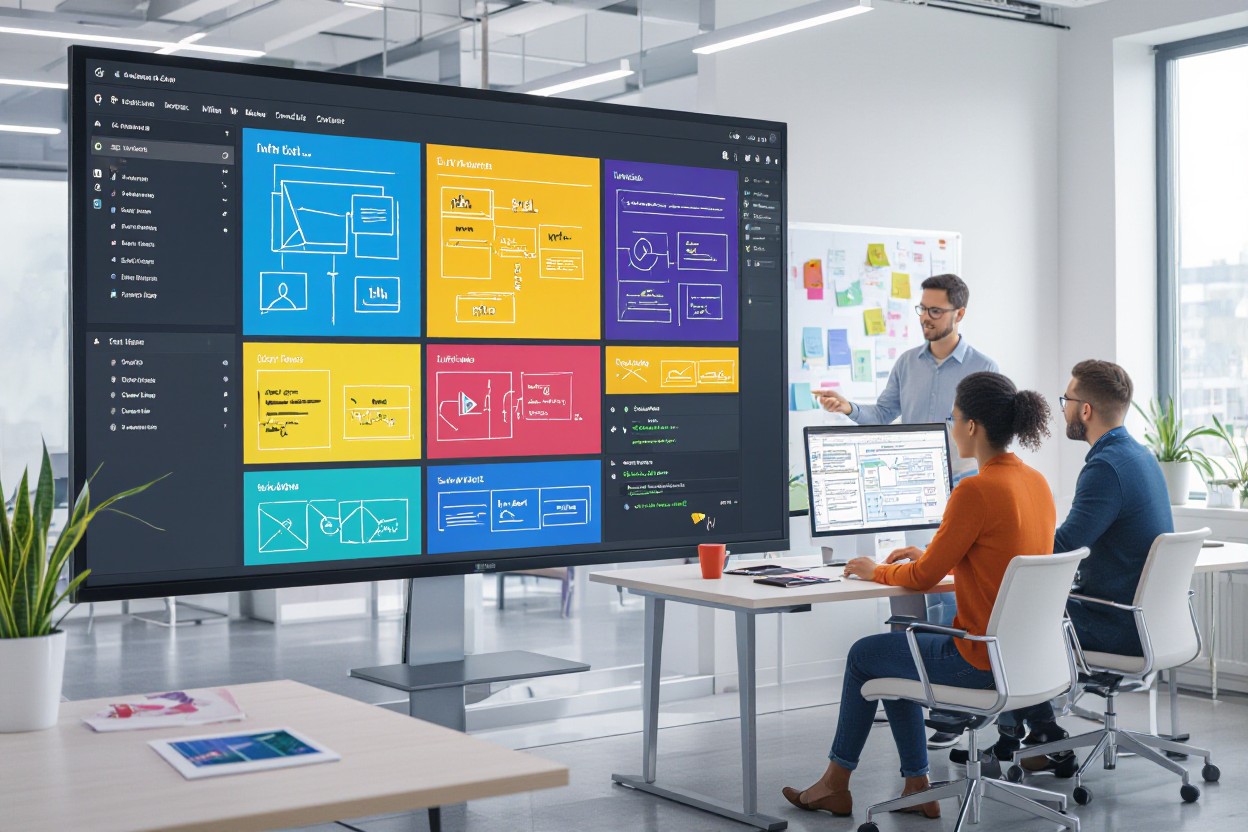
Real-World Applications: Success Stories from the Field
Innovative Brands Using Figma for Growth
Companies like Airbnb and Microsoft have leveraged Figma to streamline their design workflows, accelerating collaboration across distributed teams. For instance, Airbnb’s design team reduced prototyping time by nearly 40%, allowing faster iterations and a more seamless handoff to developers. When you adopt Figma, you gain a single source of truth where everyone—designers, developers, marketers—can simultaneously contribute, reducing feedback loops and miscommunication. This collaborative environment fosters innovation and lets you respond quickly to market changes.
Startups and established brands alike have found that Figma’s cloud-based flexibility eliminates the traditional bottlenecks tied to version control and software compatibility. Slack’s team credits Figma’s real-time collaboration features for enabling remote design sprints that brought new features to market in record time. If you want your design process to feel less siloed and more integrated with your product roadmap, Figma demonstrates that smooth cross-functional collaboration can significantly boost growth.
Lessons Learned: What Figma Forces Us to Consider
Using Figma shifts some long-standing design habits, demanding more intentional communication and organization. Since multiple team members can edit simultaneously, without proper structure, designs risk becoming inconsistent or cluttered. You’ll find that strong governance and clear component libraries are necessary to maintain brand cohesion across projects. The real-time nature also means you need to embrace asynchronous feedback loops and trust your teammates’ contributions more openly—a change that can be challenging if your workflow relied heavily on gated approvals.
Another aspect you’ll encounter is the trade-off between flexibility and control. Figma’s openness empowers creativity but sometimes makes it easy for designs to drift off-brand or stray from established UX patterns if standards aren’t rigorously enforced. You’ll need to develop robust protocols for versioning and component updates and integrate Figma into your wider design system to safeguard quality. These considerations encourage a more disciplined yet dynamic approach to design that ultimately scales better as your team grows.
Figma’s influence on how you manage shared design resources emphasizes adaptability in both mindset and process. By balancing creative freedom with structured management, you ensure that your design output remains coherent even as multiple contributors refine and expand your projects. It’s this balance that differentiates teams thriving with Figma, turning collaborative potential into tangible product enhancements.
Summing up
Considering all points, Figma offers you a powerful and flexible platform for web design that emphasizes collaboration, real-time feedback, and ease of use. Its cloud-based nature allows you to work seamlessly with team members regardless of location, making the design process more efficient and interactive. With its robust set of design and prototyping tools, you can create highly detailed and polished visuals, ensuring your vision is accurately communicated before development begins.
However, while Figma excels at design and prototyping, it does not provide the content management or website-building capabilities that platforms like WordPress offer. Therefore, you should view Figma as a complementary tool in your web development workflow, ideal for crafting the visual and interactive aspects of your site before moving into the development phase. Leveraging Figma effectively can enhance your design quality and teamwork, ultimately leading to better digital products.
See it in practice
We put this into practice for Wunderbar Structures — read how it played out.
FAQ
What is Figma used for in web design?
Figma is a cloud-based design tool primarily used for creating user interface (UI) and user experience (UX) designs for websites and applications. It allows designers to create wireframes, prototypes, and visual mockups collaboratively in real-time.
How does Figma support collaboration among web design teams?
Figma enables multiple users to work on the same design file simultaneously, providing real-time feedback, comments, and edits. This makes the design process more efficient by reducing version conflicts and facilitating seamless communication between designers, developers, and stakeholders.
Can Figma be used for prototyping websites?
Yes, Figma includes built-in prototyping features that allow designers to create interactive clickable prototypes of their web designs. This helps in testing user flows and interactions before development begins, ensuring better usability and design accuracy.
Does Figma integrate with other web development tools?
Figma supports integration with various tools such as Slack, Zeplin, Jira, and developer handoff tools. These integrations streamline the workflow from design to development, making it easier to export assets, share designs, and communicate changes effectively.
Is Figma suitable for beginners in web design?
Figma is user-friendly and offers many tutorials and resources that make it accessible to beginners. Its intuitive interface and real-time collaboration features assist new designers in learning fundamental web design concepts while working on live projects.